PowerPoint Templates
UNE Studio Templates
We have been creating videos for decades, over that time we have worked with the academic development team to refine the best practices in both video and pedagogy techniques. We have incorporated that knowledge into our PowerPoint files below. We also have a Unit Introduction Videos: Building Connection guide if you would like to start there first, with a case study by academic Fincina Hoppgood.
Below are our most-used templates. For all options, view all templates below.
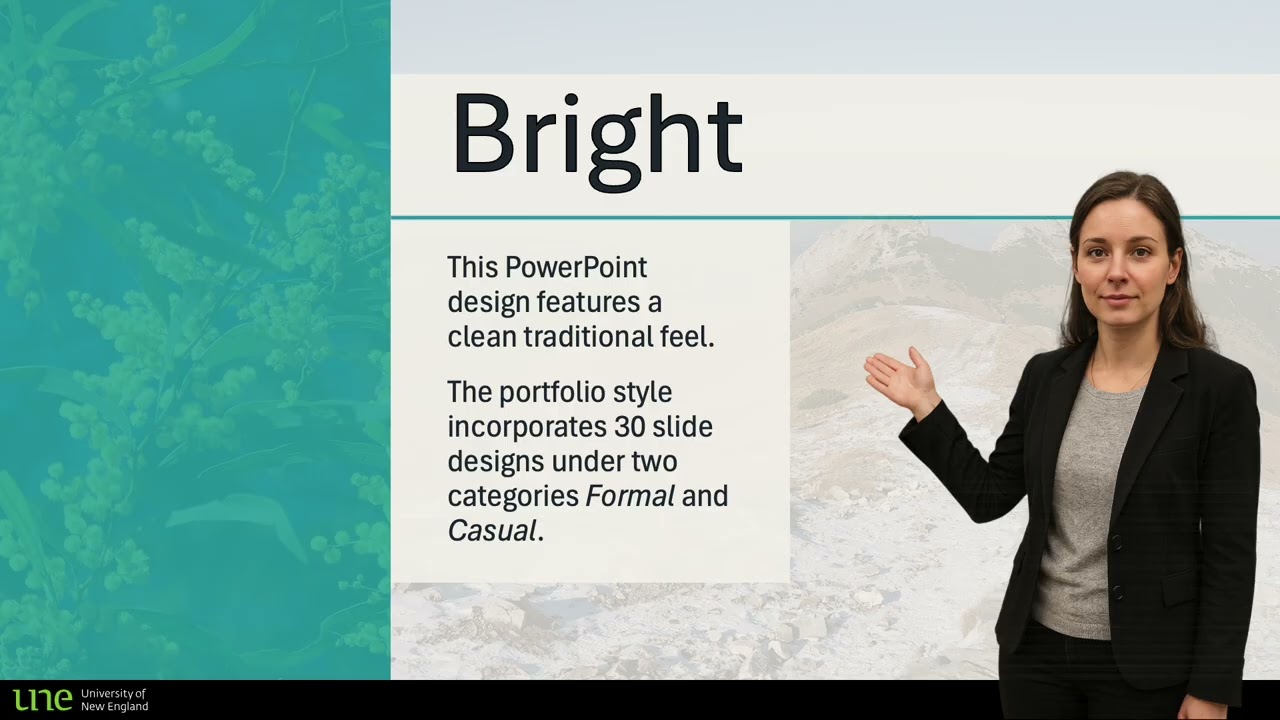
UNE Studio Bright
This PowerPoint design features a clean traditional feel. The portfolio style incorporates 30 slide designs under two categories Formal and Casual. All slides incorporate UNE branding and colour scheme. They are Zoom ready and on some slides space for you to appear seamlessly bottom right if recorded at the UNE Studios.
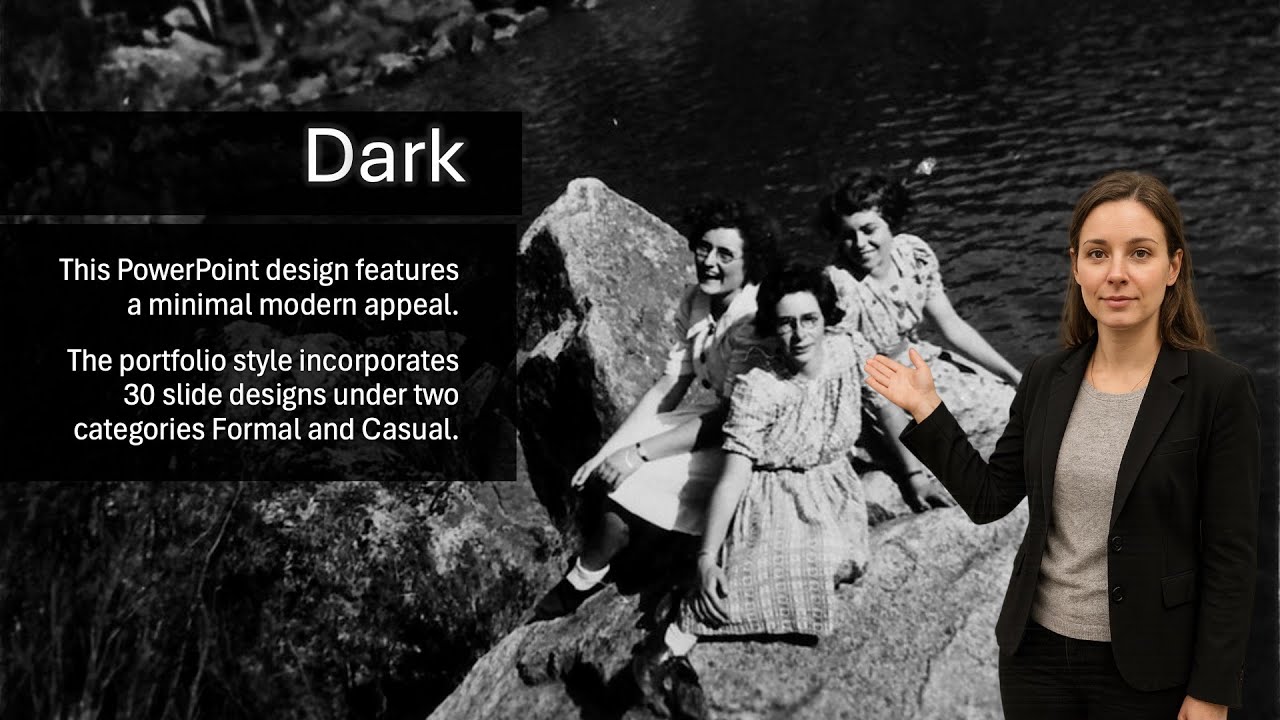
UNE Studio Dark
This PowerPoint template features a minimal modern approach. The portfolio style incorporates 30 slide designs under two categories Formal and Casual. All slides incorporate UNE branding and colour scheme, and are Zoom and Media Studios ready. Up to five column layouts and plays nicely with PowerPoint’s Design Ideas.
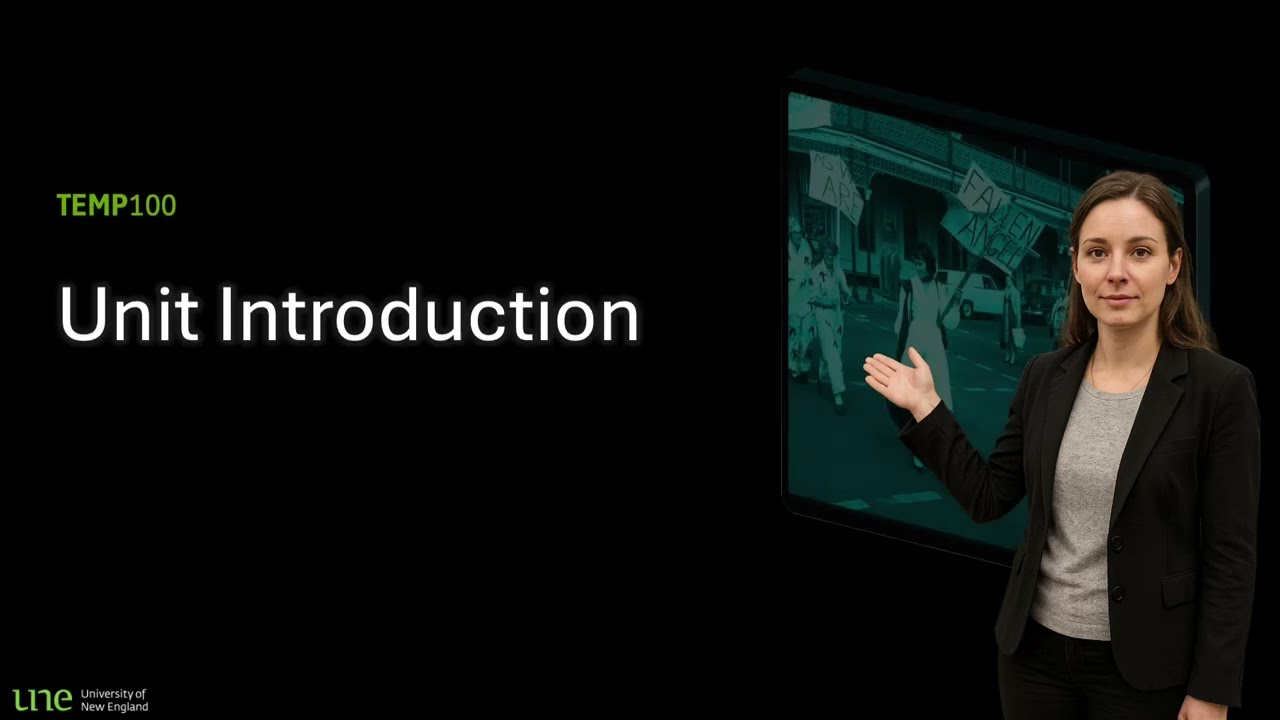
UNE Studio Unit Intro
This PowerPoint design features a unit introduction information scaffold. The template incorporates 9 slide designs, UNE branding and colour scheme, and space for you to appear seamlessly bottom right if recorded at the Media Studios. Please Note: This design has no video background
How to use our templates
Video tutorial on how to use our UNE Studio Templates.
FAQs
Frequently Asked Questions
This is not recommended, as in nearly all cases there will be content that does not fit the new template and will be copied across as-is.
If you would like to try it anyway, open both PowerPoint files: your original presentation and the UNE template you want to update to. Copy the slides from the original deck by selecting them in the thumbnail pane, then switch to the UNE template file and paste them.
- On Windows: right-click in the thumbnail pane and, under Paste Options, select Use Destination Theme.
- On Mac: simply paste the slides.
From there, use the Design tab to change slide layouts by selecting the Layout drop-down menu and choosing from the available templated slide options.
Absolutely! Once you’ve downloaded the file, you can edit and customise it as you like.
When creating a new PowerPoint, we recommend downloading the template again from this page, as periodic updates will be made to the templates over time.
Copilot does not have a local understanding of the University of New England brand. This includes correct use of logos, colours, copyright requirements, and Acknowledgement of Country.
That’s not to say Copilot isn’t useful; it can be very effective for helping design and refine content. However, UNE-specific branding requirements and institutional sensitivities are not part of Copilot’s model.
Teaching and learning content at UNE is broad, and generic stock images are often not relevant in this space.
If you need images, please contact us and we can help source visuals that are appropriate and fit the context of your content.
All Templates
We have several variations of the above templates. Browse all options below.
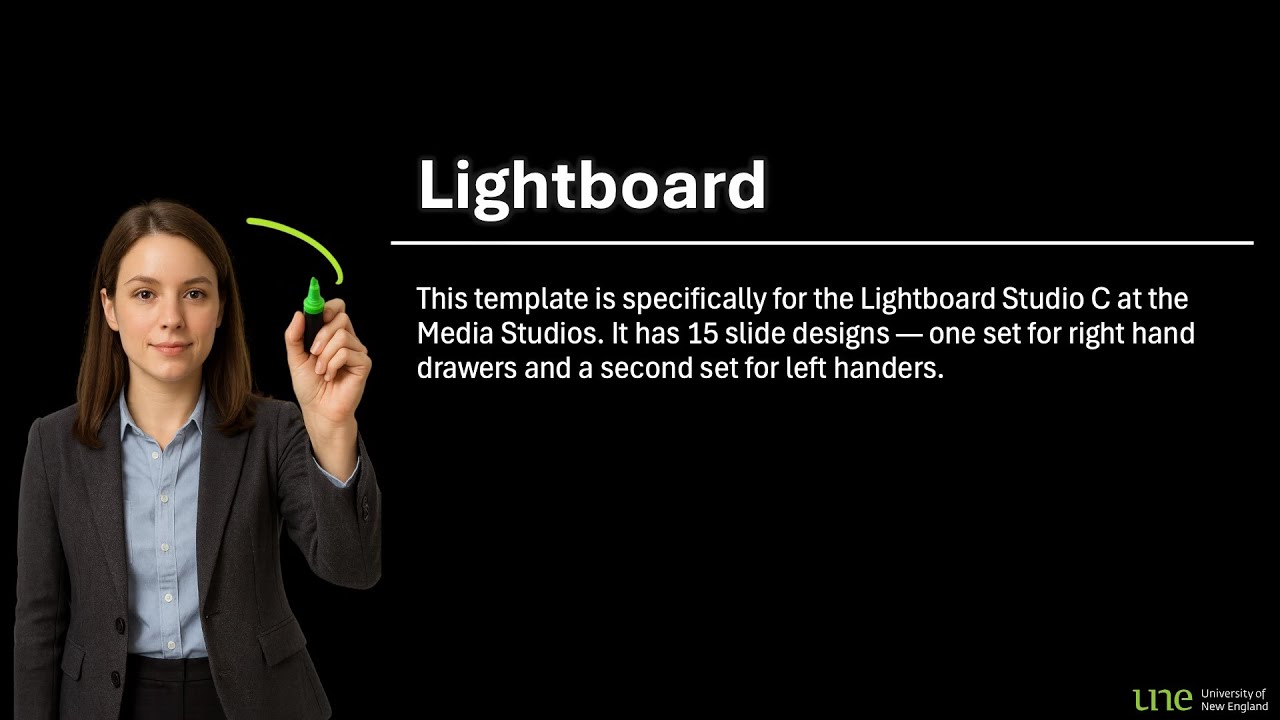
UNE Studio Lightboard
This template is specifically designed for the Lightboard Studio C at the Media Studios. It has 15 slide designs — one set of slides for right hand drawers and a second set for left handers. Please Note: Black is transparent which is predominantly what you need because unlike the other studios you appear behind the presentation not in front.
UNE Studio Bright
This PowerPoint design features a clean traditional feel. The portfolio style incorporates 30 slide designs under two categories Formal and Casual. All slides incorporate UNE branding and colour scheme. They are Zoom ready and on some slides space for you to appear seamlessly bottom right if recorded at the UNE Studios.
UNE Studio Dark
This PowerPoint template features a minimal modern approach. The portfolio style incorporates 30 slide designs under two categories Formal and Casual. All slides incorporate UNE branding and colour scheme, and are Zoom and Media Studios ready. Up to five column layouts and plays nicely with PowerPoint’s Design Ideas.
UNE Studio Intro
This PowerPoint design features a unit introduction information scaffold. The template incorporates 9 slide designs, UNE branding and colour scheme, and space for you to appear seamlessly bottom right if recorded at the Media Studios. Please Note: This design has no video background.
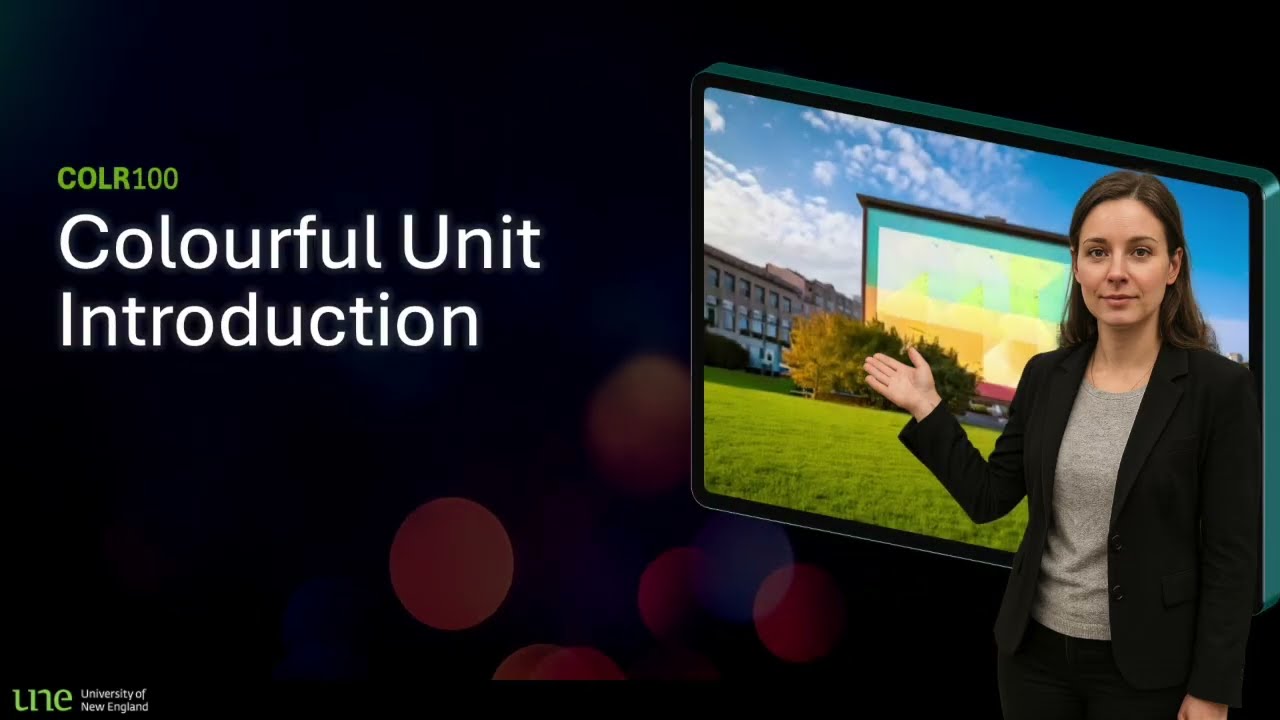
UNE Studio Intro Colourful
This PowerPoint design features a unit introduction information scaffold. The template incorporates 9 slide designs, UNE branding and colour scheme, and space for you to appear seamlessly bottom right if recorded at the Media Studios.
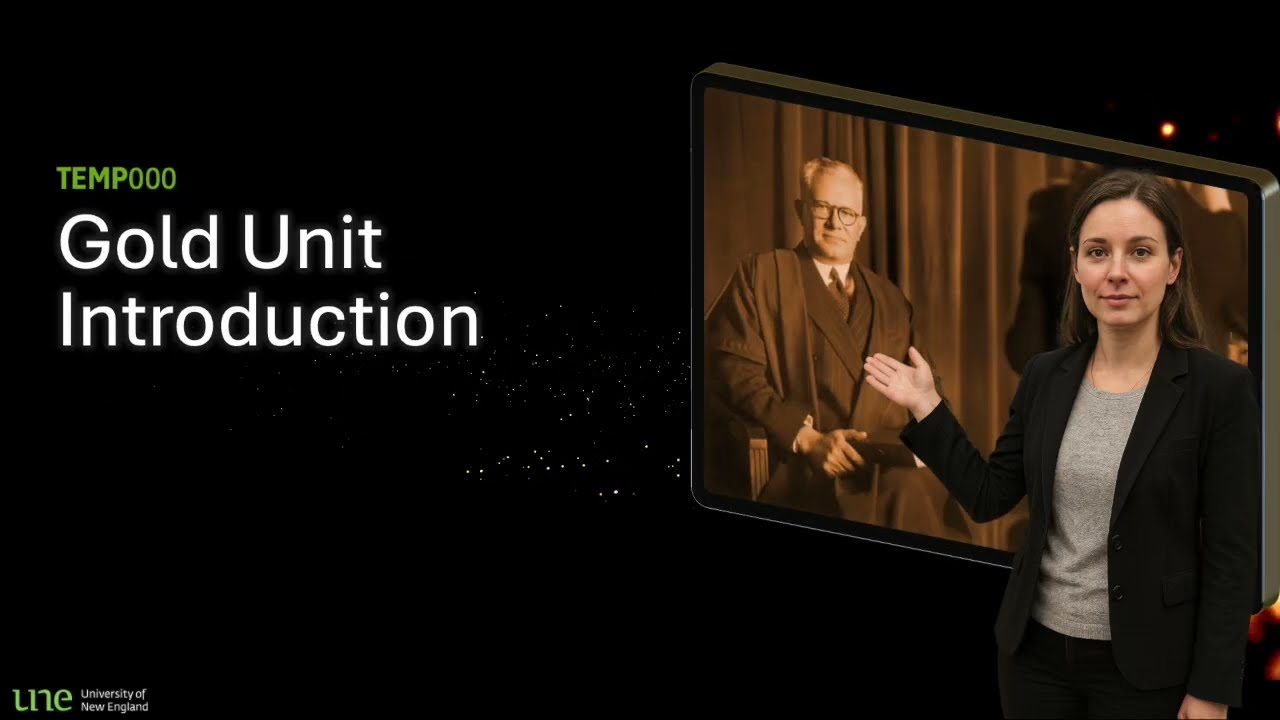
UNE Studio Intro Gold
This PowerPoint design features a unit introduction information scaffold. The template incorporates 9 slide designs, UNE branding and colour scheme, and space for you to appear seamlessly bottom right if recorded at the Media Studios.
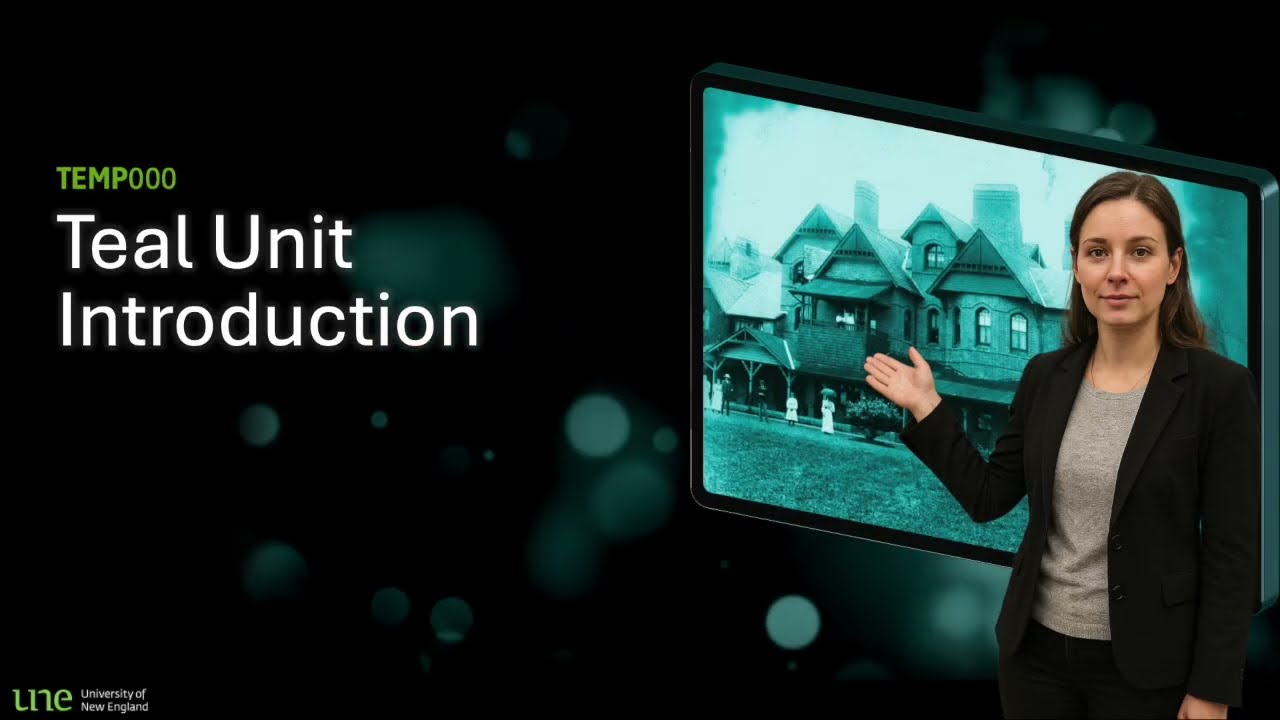
UNE Studio Intro Teal
This PowerPoint design features a unit introduction information scaffold. The template incorporates 9 slide designs, UNE branding and colour scheme, and space for you to appear seamlessly bottom right if recorded at the Media Studios.
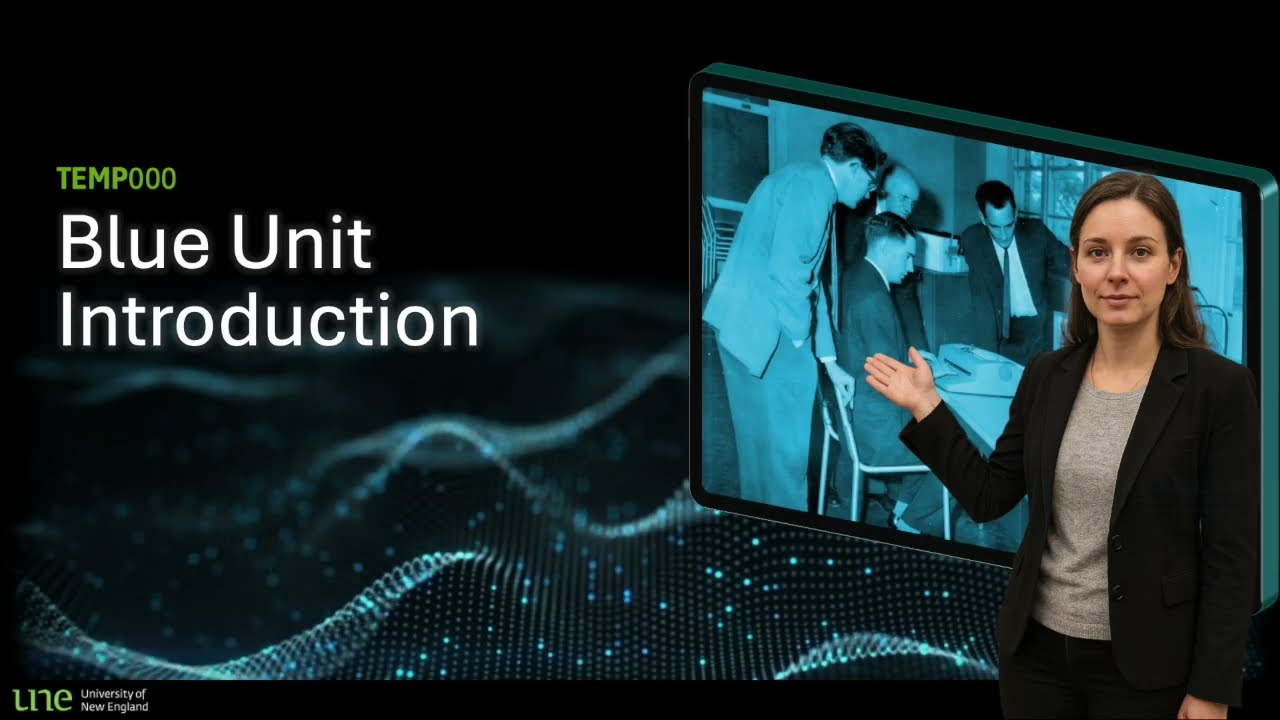
UNE Studio Intro Blue
This PowerPoint design features a unit introduction information scaffold. The template incorporates 9 slide designs, UNE branding and colour scheme, and space for you to appear seamlessly bottom right if recorded at the Media Studios.
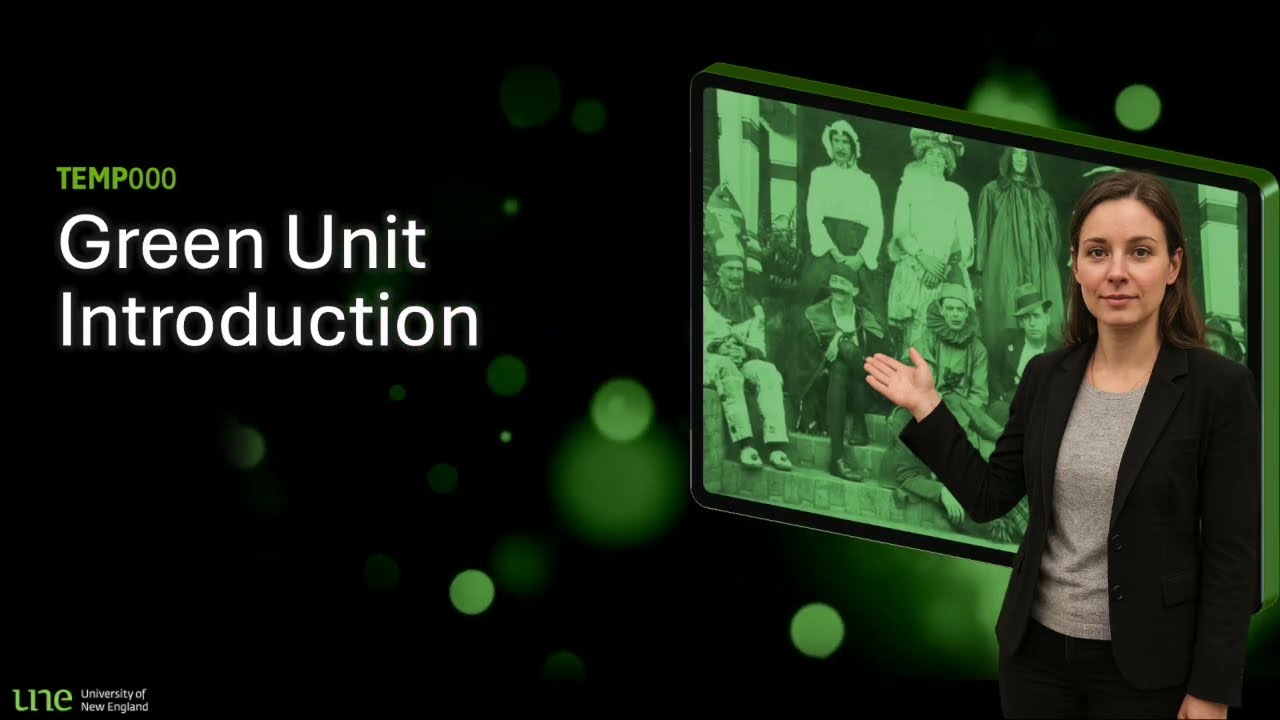
UNE Studio Intro Green
This PowerPoint design features a unit introduction information scaffold. The template incorporates 9 slide designs, UNE branding and colour scheme, and space for you to appear seamlessly bottom right if recorded at the Media Studios.
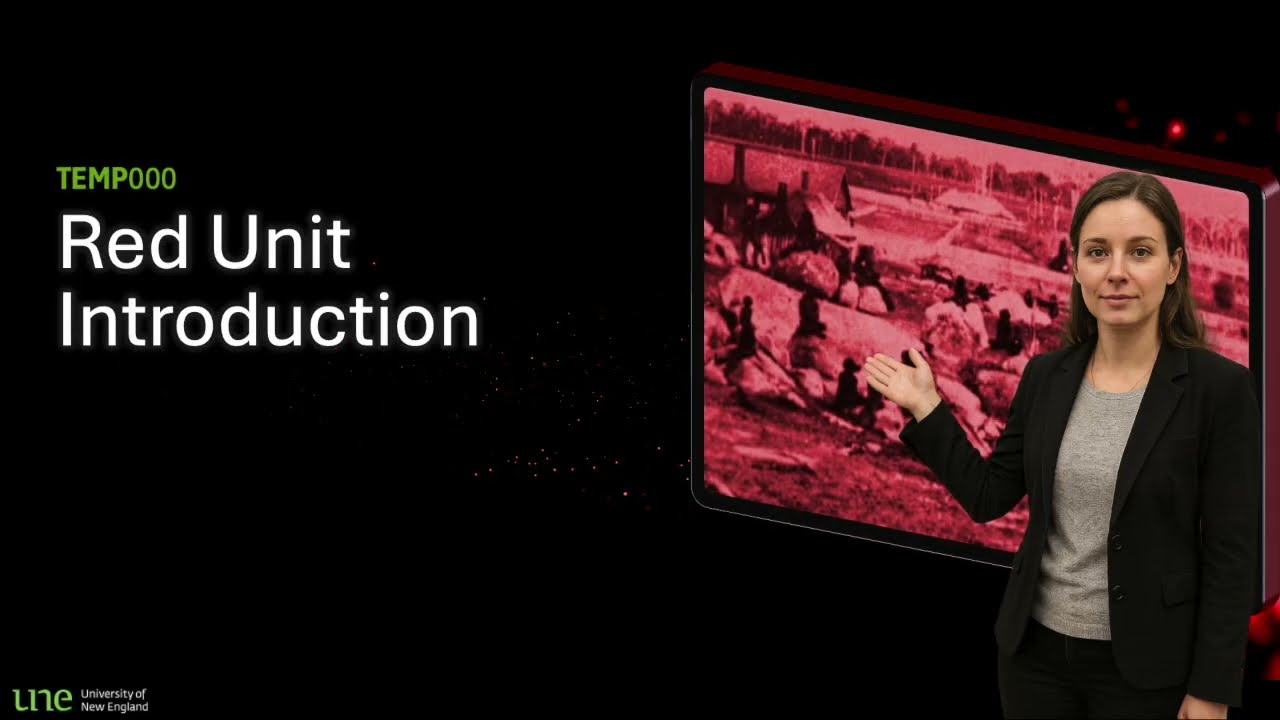
UNE Studio Intro Red
This PowerPoint design features a unit introduction information scaffold. The template incorporates 9 slide designs, UNE branding and colour scheme, and space for you to appear seamlessly bottom right if recorded at the Media Studios.
360 Tours
Experience immersive tours with our 360-degree virtual walkthroughs.3D Scanning
Utilise precise 3D scanning for detailed educational models.Animation / Simulation
Engage with dynamic animations and simulations to enhance learning.Custom Learning Artefacts
Create personalised learning tools tailored to your curriculum needs.Drone Footage
Capture unique aerial perspectives with our high-quality drone footage.Videography
Professional videography services for impactful educational content.